
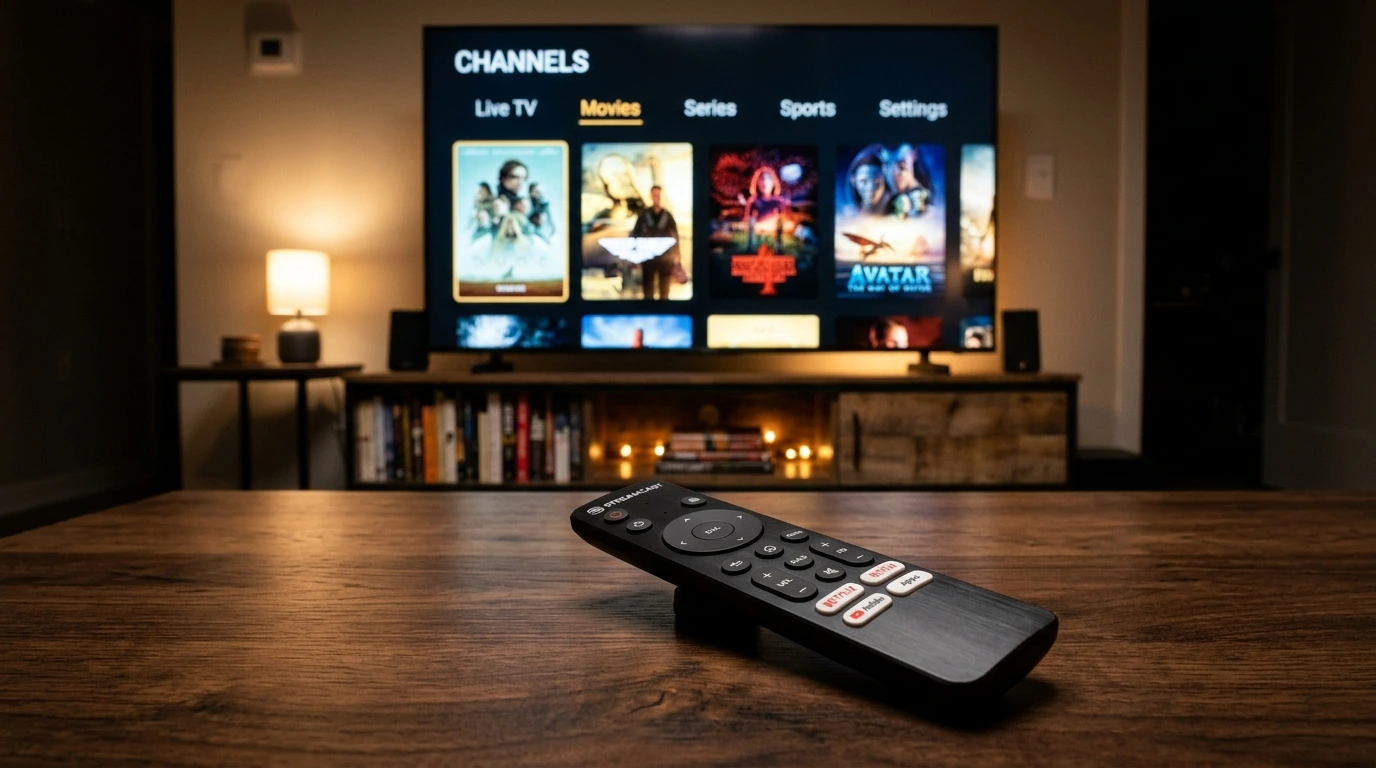
Securing a top-tier IPTV Stream subscription is only half the battle. To unlock silky smooth channel switching, crystal-clear 4K HDR playback, responsive TV guide schedules, and effortless navigation with your TV remote, you need an outstanding IPTV player application.
While legacy providers used to lock consumers into proprietary set-top boxes, the open nature of IPTV Stream empowers you to pick from dozens of specialized players across Android TV, Fire TV Stick, Samsung Tizen, LG WebOS, Apple tvOS, and Windows/Mac. But which application best fits your hardware and viewing habits? We conducted extensive benchmark testing across the leading software solutions. Here is our authoritative 2026 breakdown.
Comparison Overview: Top 4 IPTV Players at a Glance
| App Name | Best Supported OS | EPG Quality | Zapping Speed | Verdict Rating |
|---|---|---|---|---|
| TiviMate | Android TV / Firestick | Outstanding (Grid EPG) | Sub-second (<0.6s) | 9.9 / 10 (Best Overall) |
| IPTV Smarters Pro | All Platforms (iOS, Android, PC, TV) | Very Good | Fast (~1.0s) | 9.4 / 10 (Most Versatile) |
| IBO Player | Samsung & LG Smart TVs | Good | Very Fast (~0.8s) | 9.2 / 10 (Best for Smart TV) |
| XCIPTV | Android / Firestick | Good | Moderate (~1.2s) | 8.7 / 10 (Clean UI) |
1. TiviMate IPTV Player — The Undisputed King for Android & Firestick
If you stream primarily through an Amazon Fire TV Stick, Google Chromecast, Nvidia Shield, or Sony Android TV, TiviMate is categorically the best IPTV player ever engineered.
Designed from the ground up specifically for TV screens and remote controls, TiviMate delivers an interface that rivals and exceeds traditional satellite receivers like Sky Q or DirecTV. Key highlights include:
- Modern TV Guide (EPG): Smooth horizontal and vertical scrolling with channel logos, program summaries, and schedule timelines.
- Multi-View Capability: Watch up to 4 or 9 sporting matches simultaneously on a single screen (perfect for Champions League matchdays!).
- Custom Grouping: Re-order categories, create custom favorites, and hide international sections you don't watch.
- Built-in DVR & Scheduled Recording: Record live broadcasts to local flash storage or a home network drive (NAS).
"Pairing our 150,000+ channel IPTV Stream package with TiviMate Premium creates the most responsive, cinematic TV viewing experience money can buy."
2. IPTV Smarters Pro — The Most Universal Cross-Platform Player
For households with a diverse device ecosystem (e.g. an iPhone, a Windows laptop, an iPad, and a living room TV), IPTV Smarters Pro is the gold standard of compatibility.
Available natively across the Apple App Store, Google Play, Amazon Appstore, and downloadable for Windows and macOS, Smarters provides a uniform interface:
- Native Xtream Codes API Login: Sign in with just your Server URL, username, and password.
- Parental Controls: Lock adult or specific channels with custom 4-digit PIN protection.
- Integrated VOD Player: Supports subtitle switching, dual audio track selection, and auto-play next episode for series.
3. IBO Player — The Ultimate Choice for Samsung & LG Smart TVs
Samsung (Tizen) and LG (WebOS) smart televisions operate on proprietary Linux-based operating systems that cannot run standard Android APKs. For these televisions, IBO Player is our top recommended solution.
It is readily downloadable directly from the Samsung Apps and LG Content Store without requiring any USB sideloading. Once opened, you simply register your Device MAC and Device Key online to synchronize your IPTV Stream playlist. The playback engine supports 4K HEVC streams with minimal remote latency.
Important Settings to Optimize Your IPTV Player
Whichever application you select, configuring these settings will yield the best visual fidelity and stream reliability:
- Stream Format Selection: Whenever offered a choice between HLS and MPEG-TS, select HLS (.m3u8) for maximum anti-buffer performance, or MPEG-TS for faster sub-second channel zapping.
- Hardware Decoder: Ensure your video player engine is set to Hardware Acceleration (HW or HW+) rather than Software decoding. This offloads video rendering to your device's GPU, eliminating dropped frames in 4K 60 FPS sports broadcasts.
- Buffer Cache Duration: Set your buffer size to Normal or Medium (2 to 3 seconds). Avoid setting it too high, which introduces delay, or too low, which exposes playback to Wi-Fi fluctuations.
Verdict: Which App Should You Download?
- Have an Amazon Firestick or Android TV Box? Download TiviMate.
- Have a Samsung or LG Smart TV without a streaming stick? Install IBO Player.
- Watching on Apple devices (iPhone/iPad/Apple TV) or PC? Install IPTV Smarters Pro.
Need a fast and reliable stream provider to power your player? Explore our IPTV Stream packages starting from just $4.00/month with instant email setup! Need a fast and reliable stream provider to power your player? Explore our IPTV Stream packages starting from just $5.00/month with instant email setup!