
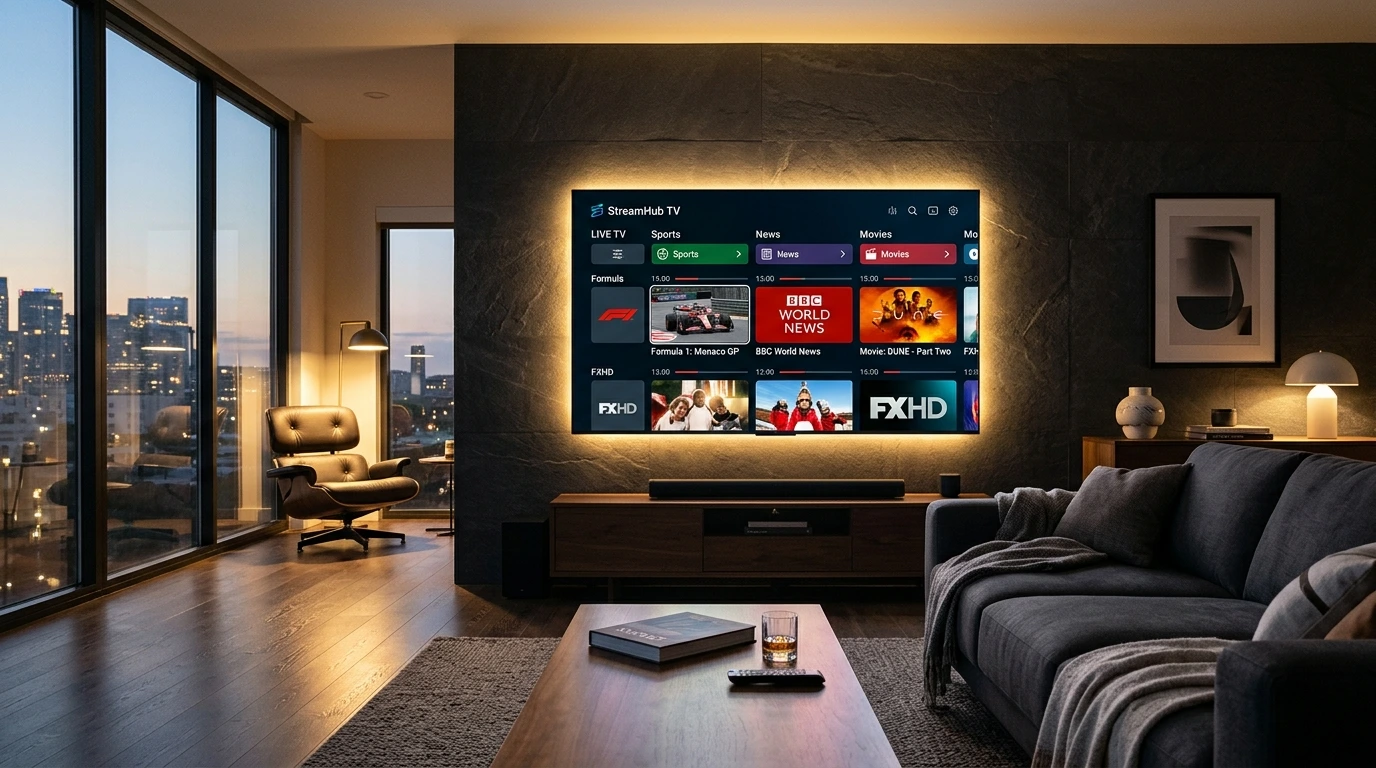
The television landscape has experienced the most seismic transformation since the invention of the cathode ray tube. For decades, households were held captive by legacy coaxial cables, restrictive satellite dishes mounted on roofs, and exorbitant monthly bills filled with hidden hardware leasing fees. Today, millions of viewers worldwide have severed the cord and migrated towards a modern, infinitely more versatile solution: IPTV Stream.
Whether you are seeking reliable access to international news, live premier football leagues, Formula 1 broadcasts, or on-demand 4K cinema releases, understanding the mechanics of Internet Protocol Television will help you maximize your entertainment and save hundreds of dollars each year. In this in-depth guide, we break down what IPTV Stream is, how the underlying protocols work, and how you can get started in just minutes.
What Exactly is IPTV?
IPTV stands for Internet Protocol Television. Unlike traditional television delivery methods—such as terrestrial over-the-air antennas (OTA), satellite dishes (DVB-S), or coaxial cable networks (DVB-C)—IPTV delivers live TV broadcasts and video on demand directly over the public internet using standard Internet Protocol (IP) packet transmission.
In traditional broadcast television, every channel is continuously beamed to your home simultaneously, and your television tuner selects which frequency to display. This model requires massive physical infrastructure and limits the number of channels due to bandwidth spectrum caps. In contrast, IPTV Stream operates on a client-server architecture: when you select a channel on your TV or player app, a unicast or multicast data request is sent to our high-speed server cluster, which immediately streams only the specific requested channel packets to your screen in real time.
"IPTV decouples television from proprietary hardware. You no longer need a bulky cable box when any smart screen connected to the internet can stream +150,000 global channels in native 4K."
Key Formats of IPTV Services
When you subscribe to an IPTV Stream provider, you typically gain access to three distinct types of programming:
- Live Television (Live TV): Real-time streaming of local, national, and international channels, including live news, sports events, reality shows, and pay-per-view broadcasts.
- Video on Demand (VOD): A vast on-demand library featuring over 120,000 movies and complete TV series seasons. You can browse by genre, play, pause, rewind, and watch at your convenience.
- Time-Shifted TV & Catch-up: Enables you to replay shows that were broadcast hours or days earlier (often up to 7 days in arrears), ensuring you never miss a prime-time episode.
How Does an IPTV Stream Actually Reach Your Screen?
The journey from a live stadium camera to your living room OLED TV occurs in fractions of a second across our synchronized streaming pipeline:
- Source Ingestion & Encoding: Live video feeds from broadcast feeds are captured and compressed using modern codecs such as H.264 (AVC) and H.265 (HEVC), which deliver pristine 4K video while minimizing internet bandwidth consumption.
- High-Speed Server Distribution: Encoded streams are routed to IPTV Stream 10 Gbps load-balanced European and North American CDN clusters. Anti-freeze server software intelligently balances connection traffic to prevent bottlenecking during peak events.
- Client Player Decoding: Your smart device (Firestick, Smart TV, or PC) receives the encrypted stream via M3U playlist protocols or the Xtream Codes API, instantly unpacking and rendering the high-frame-rate 60 FPS video directly on your monitor.
M3U Playlists vs. Xtream Codes API: What's the Difference?
When you activate an IPTV Stream account, you will typically receive your credentials in two formats. Here is how they compare:
| Feature | M3U Playlist URL | Xtream Codes API |
|---|---|---|
| Input Format | Single long web link (.m3u) | Server URL, Username, Password |
| Setup Ease | Simple copy-paste | Extremely user-friendly on TV remotes |
| EPG Integration | Requires separate XMLTV link | Automatic EPG & VOD category sync |
| Recommended For | VLC Media Player, Kodi | TiviMate, IPTV Smarters, IBO Player |
Why Millions are Switching from Cable to IPTV Stream
The mass exodus from traditional cable towards IPTV Stream is driven by clear advantages:
- Fraction of the Cost: While typical cable and satellite subscriptions range between $80 to $180 per month, an IPTV Stream plan costs as little as $4.00 per month for complete access. Fraction of the Cost: While typical cable and satellite subscriptions range between $80 to $180 per month, an IPTV Stream plan costs as little as $5.00 per month for complete access.
- No Contracts or Commitments: All packages are prepaid. You choose when to renew, eliminating cancellation penalties and automatic price hikes.
- Unrivaled Channel Breadth: Gain access to +150,000 live feeds spanning across the United States, UK, Europe, Latin America, Asia, and Africa.
- Multi-Device Portability: Watch at home on your 75-inch living room television, continue on your iPad in the bedroom, or catch live match updates on your smartphone during your commute.
Minimum Internet Speed Requirements for 4K Streaming
Because IPTV relies on your broadband connection, bandwidth stability is essential for smooth playback:
- Standard Definition (SD): Minimum 5 Mbps connection
- High Definition (HD / 1080p): Minimum 15 Mbps connection
- 4K Ultra HD & 60 FPS Sports: Minimum 25 Mbps to 50 Mbps stable connection
For optimal stability, we always recommend connecting your streaming box or Smart TV via a wired Ethernet cable or a strong 5 GHz Wi-Fi frequency band.
How to Get Started Today
Ready to take control of your television experience? Getting started with IPTV Stream takes less than 2 minutes:
- Visit our pricing plans page and pick the plan that suits your household.
- Order directly online or message our sales team via WhatsApp for instant automated delivery.
- Follow our step-by-step device guide to enter your Xtream credentials into your favorite app and begin streaming in 4K Ultra HD!